Best AI Productivity Tools in 2026: The Complete Stack
The AI productivity tools that actually save time in 2026, organized by the job they do — not by hype.
What "Actually Saves Time" Means
We tested 30+ AI productivity tools over 90 days. The criterion for this list: measurable time savings on real work tasks. Not impressive demos. Not "potential" savings. Actual, repeatable time reduction.
The tools that made this list save a minimum of 30 minutes per week on tasks you're already doing.
The Top 10
1. Otter.ai — Meeting Transcription & Notes
Saves: 3-5 hours/week | Price: Free / $16.99/mo Pro
Otter joins your meetings, transcribes in real time, identifies speakers, and generates summaries with action items.
Why it's #1: Meetings are the single biggest time sink in knowledge work. Otter eliminates manual note-taking and the "what did we decide?" problem.
- Auto-joins Zoom/Teams/Meet
- Real-time transcription with speaker ID
- AI-generated summary and action items
- Searchable meeting archive
2. Reclaim.ai — AI Calendar Management
Saves: 2-3 hours/week | Price: Free / $8/mo
Reclaim automatically schedules your tasks, habits, and meetings around your priorities. It defends focus time and reschedules when conflicts arise.
The killer feature: You tell it "I need 2 hours of deep work every morning" and it protects that time, rescheduling lower-priority items automatically.
3. Perplexity — AI Research
Saves: 1-2 hours/week | Price: Free / $20/mo Pro
Replaces the Google → open tabs → read → synthesize workflow with direct, cited answers.
Best for: Any research task where you need facts, comparisons, or summaries rather than a specific website.
4. Notion AI — Writing & Organization
Saves: 1-2 hours/week | Price: $10/mo add-on
AI built into your existing Notion workspace. Summarize pages, generate drafts, extract action items, and ask questions across your notes.
Why it works: It's in the tool you're already using. No context switching.
5. ChatGPT — General AI Assistant
Saves: 2-4 hours/week | Price: Free / $20/mo Plus
The Swiss Army knife. Drafting emails, explaining concepts, generating ideas, debugging code, analyzing data.
The honest take: ChatGPT's value depends entirely on how well you prompt it. With good prompts, it's the most versatile tool on this list.
6. Superhuman — AI Email
Saves: 1-2 hours/week | Price: $30/mo
AI-powered email client that drafts replies, summarizes threads, and helps you reach inbox zero faster.
Worth it if: You receive 50+ emails/day and email is a significant part of your job.
7. Granola — AI Meeting Notes
Saves: 1-2 hours/week | Price: Free / $10/mo
Lightweight meeting note-taker that enhances your own notes with AI-generated context from the meeting audio.
Different from Otter: Granola augments your notes rather than replacing them. Better for people who want to stay engaged in meetings.
8. Raycast AI — Desktop Productivity
Saves: 30-60 min/week | Price: $8/mo
AI integrated into a macOS launcher. Quick translations, text transformations, code explanations, and custom AI commands — all from a keyboard shortcut.
Best for: Developers and power users who live in keyboard shortcuts.
9. Tldv — Video Meeting Summaries
Saves: 1-2 hours/week | Price: Free / $20/mo
Records and summarizes video meetings with timestamps. Share specific moments instead of entire recordings.
Best for: Teams that need to share meeting context with people who weren't there.
10. Arc Browser + AI — Browsing
Saves: 30-60 min/week | Price: Free
AI features built into the browser: page summaries, instant answers, and smart tab management.
Best for: Research-heavy work where you open many tabs.
The Stack That Works Together
| Time of Day | Tool | Purpose |
|---|---|---|
| Morning | Reclaim.ai | Plan the day |
| Work blocks | Cursor/ChatGPT | Deep work |
| Meetings | Otter.ai | Transcription |
| Research | Perplexity | Quick answers |
| Superhuman | Inbox management | |
| End of day | Notion AI | Organize notes |
What We Excluded (And Why)
Tools that didn't make the list despite being popular:
- Grammarly — Useful but saves minutes, not hours
- Jasper — Better for marketing teams than individual productivity
- Motion — Good concept but too aggressive with rescheduling
- Clockwise — Reclaim does it better
Total Time Saved
If you adopt the top 5 tools on this list:
| Tool | Weekly Savings | Monthly Savings |
|---|---|---|
| Otter.ai | 4 hours | 16 hours |
| Reclaim.ai | 2.5 hours | 10 hours |
| Perplexity | 1.5 hours | 6 hours |
| Notion AI | 1.5 hours | 6 hours |
| ChatGPT | 3 hours | 12 hours |
| Total | 12.5 hours | 50 hours |
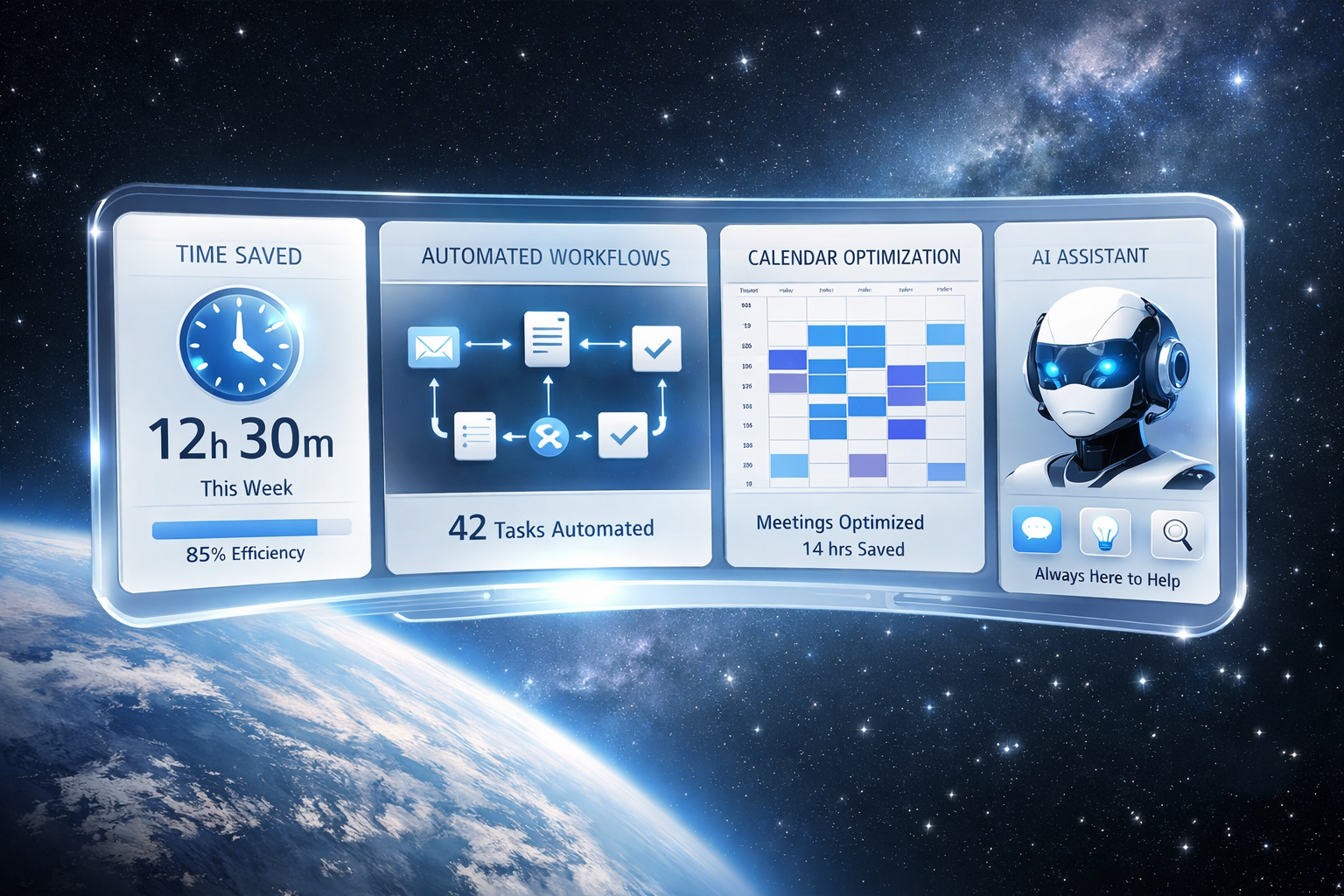
50 hours per month. That's more than a full work week recovered. At a $50/hour rate, that's $2,500/month in recovered productivity for ~$77/month in tool costs.