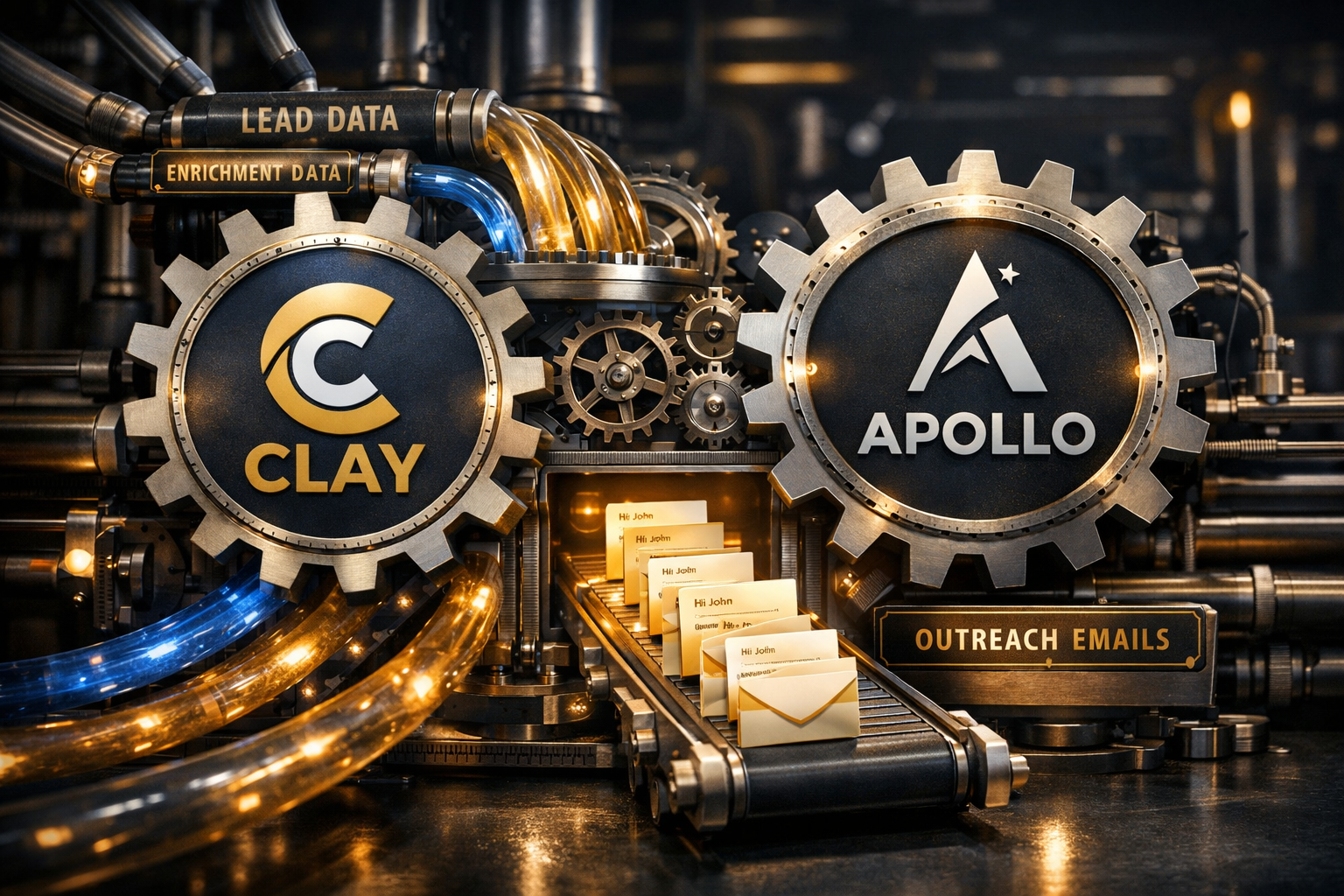
Clay + Apollo for Lead Generation: The Complete AI Setup
How to combine Clay and Apollo to build a fully automated, AI-enriched outbound lead generation pipeline.
What This System Does
Clay and Apollo AI together automate the research and personalisation step of outbound sales. The result: hundreds of personalised outreach messages per week that would previously require a full-time SDR.
What used to take 20 minutes per lead (research, find email, write personalised message) now takes under 2 minutes per lead with this system.
The Tools
Clay — Lead Enrichment Platform
Clay takes a list of companies or people and enriches them with data from 50+ sources:
- Company size, funding, tech stack
- Recent news and press mentions
- Job postings and hiring signals
- Social media activity
- Decision-maker contact info
Apollo AI — Sales Intelligence & Sequencing
Apollo provides:
- Contact database (275M+ contacts)
- Email finding and verification
- Multi-step email sequences
- AI-powered message personalization
- Engagement tracking and analytics
The Workflow (Step by Step)
Step 1: Define Your Ideal Customer Profile (ICP)
Before any automation, be specific about who you're targeting:
Company criteria:
- Industry: SaaS / B2B Tech
- Size: 50-500 employees
- Funding: Series A-C
- Location: US, UK, Canada
- Tech stack: Uses [specific tools]

Contact criteria:
- Title: VP Marketing, Head of Growth, CMO
- Seniority: Director+
- Department: Marketing or Growth
Step 2: Build Your Lead List in Apollo
Use Apollo's search to build an initial list:
- Set company filters (size, industry, funding)
- Set contact filters (title, seniority)
- Export 200-500 leads per week
- Verify email addresses (Apollo does this automatically)
Step 3: Enrich in Clay
Import your Apollo list into Clay and add enrichment:
| Data Point | Source | Use Case |
|---|---|---|
| Recent funding | Crunchbase | "Congrats on the Series B..." |
| Job postings | "I noticed you're hiring for..." | |
| Tech stack | BuiltWith | "Since you're using [tool]..." |
| Recent news | Google News | "Saw your announcement about..." |
| Podcast appearances | Spotify | "Loved your take on [topic]..." |
Step 4: AI Personalisation in Clay
Clay's AI writes personalised opening lines based on the enriched data:
Prompt template:
"Write a 1-sentence personalised opening line for a cold email
to {first_name} at {company}. Use this context: {enrichment_data}.
Be specific and genuine. Don't be salesy."
Example outputs:
- "Saw {company} just raised their Series B — congrats. Curious how you're thinking about scaling the content operation with the new headcount."
- "Noticed you're hiring 3 content marketers — sounds like content is becoming a bigger priority for {company} this quarter."
Step 5: Sequence in Apollo
Import the enriched, personalised leads back into Apollo and set up a multi-step sequence:
Sequence structure:
Day 1: Personalised email (Clay opening line + value prop)
Day 3: LinkedIn connection request
Day 5: Follow-up email (different angle)
Day 8: Final email (break-up style)
The Numbers
Before This System:
- 10-15 personalised emails per day (manual research)
- 5-8% reply rate
- 1-2 meetings per week
- Full-time SDR required ($60K+ salary)
After This System:
- 50-100 personalised emails per day (automated)
- 12-18% reply rate (better personalisation)
- 5-10 meetings per week
- 2-3 hours/week of oversight
ROI Calculation:
| Item | Cost |
|---|---|
| Clay | $149/mo (Explorer) |
| Apollo | $79/mo (Professional) |
| Make.com (automation) | $9/mo |
| Total | $237/month |
vs. hiring an SDR: $5,000+/month (salary + tools + management time)
The Make.com Automation
Connect the tools with Make.com:
Scenario: Weekly Lead Processing
Trigger: Every Monday at 8 AM
→ Apollo API: Pull new leads matching ICP (200 contacts)
→ Clay API: Enrich each lead with company data
→ Clay AI: Generate personalised opening lines
→ Apollo API: Add to active sequence
→ Google Sheets: Log all leads for tracking
→ Slack: Notify "200 new leads enriched and sequenced"
Scenario: Engagement Follow-up
Trigger: Apollo webhook (email opened 3+ times)
→ Clay API: Deep enrich this specific lead
→ Slack: Alert with enrichment summary
→ Action: Manual follow-up with context
Best Practices
Do:
- ✅ Start with a small list (50 leads) and test before scaling
- ✅ A/B test opening lines and subject lines
- ✅ Monitor reply rates weekly and adjust
- ✅ Personalise beyond just the first line
- ✅ Respect opt-outs immediately
Don't:
- ❌ Send more than 50 emails/day from a new domain
- ❌ Use the same template for everyone
- ❌ Ignore bounce rates (keep under 3%)
- ❌ Skip email warm-up (2-4 weeks for new domains)
- ❌ Automate replies (always respond personally)
Common Mistakes
-
Scaling too fast — Start with 20-30 emails/day and increase gradually. Sending 200 emails from a cold domain gets you blacklisted.
-
Generic personalisation — "I noticed your company is growing" is not personalisation. Reference specific, verifiable facts.
-
No follow-up system — 80% of meetings come from follow-up emails, not the first touch. Always run multi-step sequences.
-
Wrong ICP — If your reply rate is below 5%, the problem is usually targeting, not messaging.
Getting Started This Week
Day 1: Setup
- Create Apollo account and set ICP filters
- Create Clay account and connect data sources
- Set up Make.com account
Day 2-3: First Batch
- Pull 50 leads from Apollo
- Enrich in Clay
- Generate personalised lines
- Review and edit (don't skip this step initially)
Day 4-5: Launch
- Import into Apollo sequence
- Send first batch (20-30 emails)
- Monitor deliverability
Week 2: Optimise
- Review reply rates
- A/B test subject lines
- Adjust ICP if needed
- Scale to 50 emails/day
The Bottom Line
Clay + Apollo replaces the manual research and personalisation that makes outbound sales expensive and slow. The system produces better personalisation than most humans (because it checks more data sources) at 10x the speed. Start small, test your messaging, and scale what works.